Understanding Remote Depositions
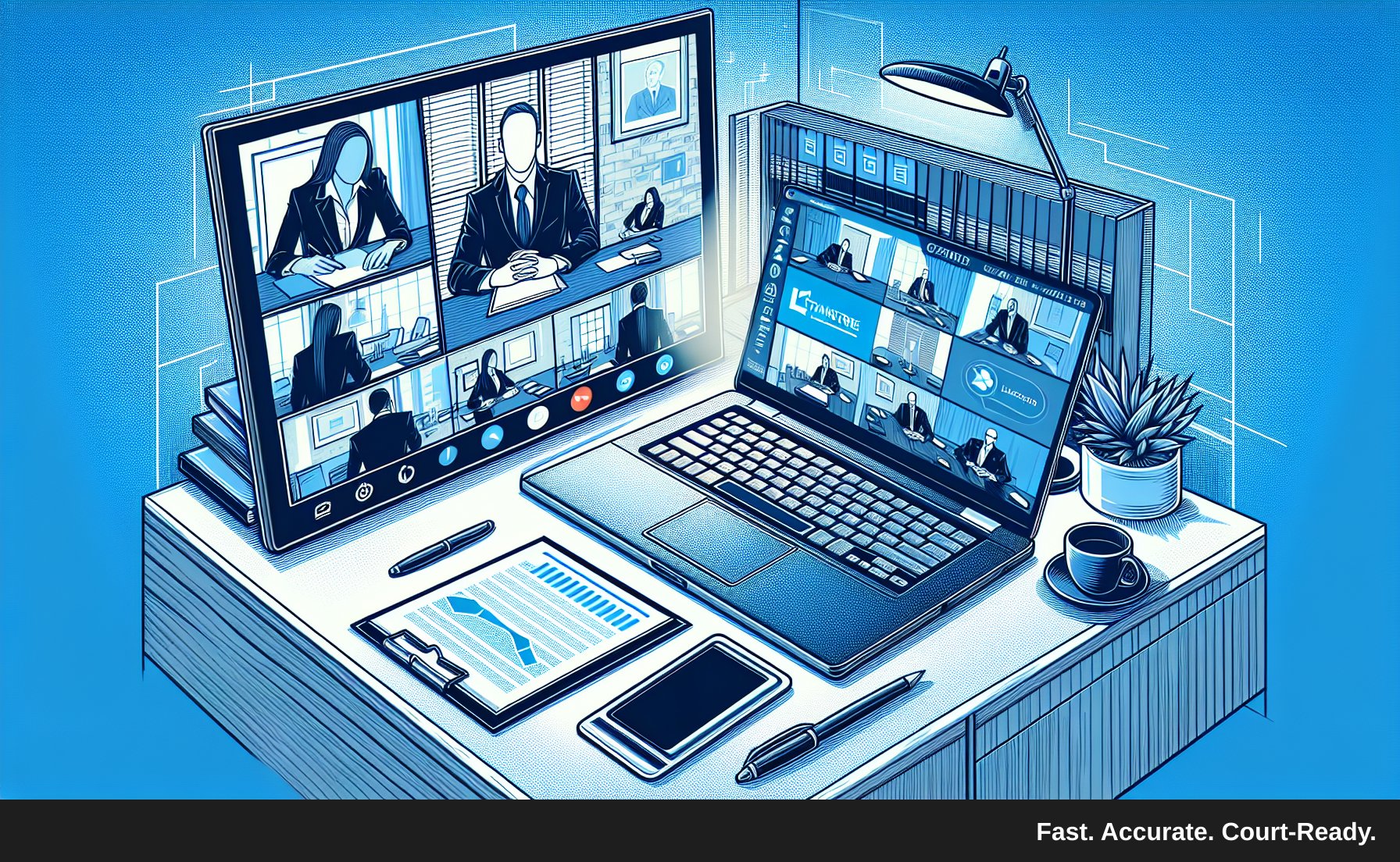
The landscape of legal proceedings has evolved significantly, especially in the wake of remote technology advancements. Remote depositions have become more common, allowing attorneys, witnesses, and court reporters to participate from various locations. However, transcribing these depositions can present unique challenges. Here, we outline practical tips to ensure your remote deposition transcription is accurate, efficient, and meets professional standards.
Prepare Your Technology
1. Choose Reliable Software
Before the deposition begins, ensure you have access to dependable transcription software or services. Look for platforms that offer features like speaker diarization and court-ready formatting, such as TranscribeLegal. These features can streamline your workflow and enhance accuracy, making it easier to distinguish between different speakers.
2. Test Your Equipment
Technical issues can derail a deposition. Prior to the session, test your computer, microphone, and internet connection. Ensure your audio input is clear and that you can hear all speakers distinctly. A good quality headset can help reduce background noise and improve audio clarity.
3. Familiarize Yourself with the Platform
If you're using a specific video conferencing platform for the deposition (like Zoom or Microsoft Teams), take time to familiarize yourself with its features. Knowing how to mute/unmute, record sessions, and share screens can prevent unnecessary disruptions and ensure a smooth transcription process.
Enhance Audio Quality
1. Encourage Clear Communication
In a remote setting, it’s essential that all participants communicate clearly. Advise speakers to:
- Speak at a moderate pace.
- Avoid talking over one another.
- Use a high-quality microphone.
- Mute themselves when not speaking to minimize background noise.
2. Record the Session
Always record the deposition, with the consent of all parties involved. Having a clear audio recording allows you to verify any unclear sections and ensures that you have a reference point for your transcription. This is particularly vital when multiple speakers are involved, as it aids in maintaining accuracy.
3. Use Noise-Cancellation Tools
If possible, utilize noise-cancellation software or tools that can help filter out background sounds. This can greatly improve the clarity of the audio, especially in environments with potential distractions.
Focus on Accuracy
1. Develop a Consistent Formatting Style
Consistency is key in legal transcription. Establish a formatting style before the transcription begins. This includes:
- Speaker labels (e.g., “Attorney Smith” vs. “Smith”)
- Timestamping (if necessary)
- Paragraph structure
Consistent formatting not only enhances readability but also ensures that your transcription meets court-ready standards.
2. Use Legal Terminology Correctly
Familiarize yourself with common legal terminology and acronyms relevant to the deposition topic. Accurate use of legal terms not only enhances the professionalism of your transcription but also helps avoid misunderstandings that could arise from misinterpretation.
3. Double-Check for Errors
Once your transcription is complete, take the time to review and proofread your work. Look for:
- Spelling and grammatical errors
- Incorrect speaker labels
- Misinterpretations of legal jargon
If possible, have a colleague review your transcription to catch errors you may have missed. A fresh set of eyes can often spot inaccuracies that you might overlook.
Streamline Your Workflow
1. Organize Your Workspace
A clutter-free workspace can significantly enhance your productivity. Organize your materials, keep reference documents handy, and minimize distractions. A well-structured environment helps you stay focused and improves your transcription efficiency.
2. Utilize Keyboard Shortcuts
If you're using transcription software, familiarize yourself with keyboard shortcuts. These can save you time and streamline your workflow, allowing you to focus more on the content of the deposition rather than the mechanics of transcription.
3. Set Time Limits and Breaks
Transcribing can be an intensive task. To maintain high levels of focus, set time limits for yourself and take regular breaks. For instance, work for 25 minutes, then take a 5-minute break. This technique, often referred to as the Pomodoro Technique, helps prevent burnout and keeps your mind sharp.
Conclusion
Remote depositions present unique transcription challenges, but with the right preparation and tools, you can produce high-quality, accurate transcripts. By ensuring clear communication, utilizing reliable technology, and maintaining consistency in your formatting, you can enhance the reliability of your transcriptions.
If you’re looking for a fast, accurate legal transcription service that specializes in remote depositions, consider TranscribeLegal. Our expert team and advanced technology ensure your transcripts are delivered promptly and meet the highest standards of accuracy. Visit TranscribeLegal today and elevate your deposition transcription experience!