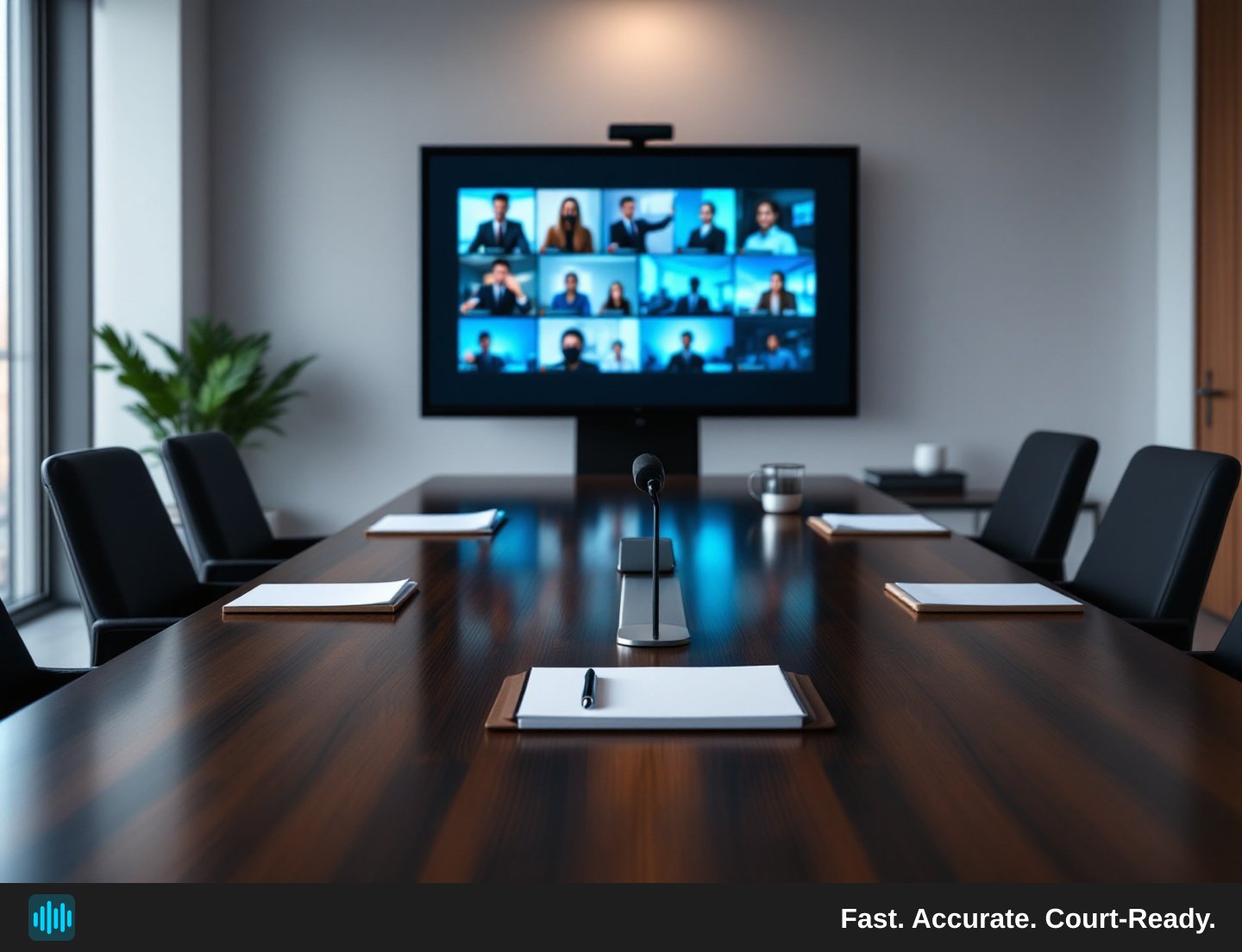
Hybrid depositions — where some participants are physically present in a conference room while others join remotely via video platform — have become a standard feature of modern litigation practice. They offer genuine convenience, but they also introduce a set of transcription challenges that purely in-person or fully remote proceedings don't share. Audio quality varies wildly depending on which microphone a remote participant is using. Speakers talk over each other. Video platform compression chews up consonants. And when you're relying on a recording to produce a usable transcript, every one of those problems compounds.
This guide walks through the practical steps litigation teams can take to capture clean audio, organize the record, and get the most out of AI-powered transcription tools — including how traditional and AI transcription services compare when it comes to hybrid proceedings specifically.
Important note for litigation teams: Recording rules, consent requirements, and transcript certification standards for depositions vary by jurisdiction. Nothing in this guide constitutes legal advice or establishes a universal practice standard. Confirm applicable rules with counsel before recording any proceeding. Additionally, AI-generated transcripts — including those produced by TranscribeLegal — are working drafts, not certified or official records. They cannot be filed as exhibits or used as official deposition transcripts without separate human certification by the appropriate professional under your jurisdiction's rules. Plan your workflow accordingly.
Why Hybrid Depositions Are Harder to Transcribe Than You Think
It's tempting to assume that a hybrid deposition is just a normal deposition with a video call bolted on. In practice, the audio environment is significantly more complicated.
When an in-room participant speaks, their voice is captured by the room microphone — which may also pick up air conditioning, keyboard clicks, and the ambient sound of the building. When a remote participant speaks, their audio travels through their own microphone, their internet connection, the video platform's compression algorithm, and then into the recording. The result is that a single transcript may need to reconcile two or three completely different audio signatures from different speakers.
Speaker overlap is another persistent problem. In a physical room, social cues — eye contact, body language, a raised hand — help regulate turn-taking. Remote participants don't have access to those cues in the same way, so interruptions and crosstalk happen more often. For a transcription system that relies on speaker diarization (the process of separating and labeling individual speakers), overlapping speech is one of the hardest conditions to handle cleanly.
Finally, there's the recording itself. Many legal teams capture hybrid depositions through the video platform's built-in recording feature, which is convenient but often produces compressed audio at a lower bitrate than a dedicated recording device. Understanding these limitations upfront lets you take steps to mitigate them before the deposition begins.
Before the Deposition: Setting Up for a Clean Recording
The single most effective thing a litigation team can do to improve transcription quality is invest time in the setup phase. A few deliberate choices before the deposition starts can prevent hours of cleanup afterward.
Choose the Right Recording Method
If your video platform offers a choice between local recording (saved directly to a participant's hard drive) and cloud recording (processed and stored by the platform), local recording may avoid an additional compression step — though results can vary depending on your platform and hardware configuration. Ask the designated recording participant to test both options in advance and use whichever produces cleaner audio for your setup.
For in-room participants, a dedicated conference microphone placed centrally on the table will outperform a laptop's built-in microphone in almost every scenario. Omnidirectional microphones designed for conference rooms are widely available and worth the investment for high-stakes depositions.
Establish a Speaker Protocol
At the start of the deposition, ask each participant to state their name clearly before speaking for the first time. This is common practice in many jurisdictions, but confirm what your jurisdiction requires. It is also especially valuable for AI transcription tools that use early audio samples to identify and label speakers. The cleaner and more distinct those early samples are, the more accurately the system will assign speaker labels throughout the rest of the recording.
Consider establishing a brief protocol for the deposition itself: participants should identify themselves when re-entering the conversation after a long pause, and remote participants should mute themselves when not speaking to reduce background noise bleed.
Test Everything in Advance
Schedule a five-minute technical check with all participants before the official start time. Verify that remote participants' microphones are working, that their audio levels are adequate, and that the recording is capturing all audio channels. A quick test run is far less disruptive than discovering mid-deposition that a key witness's audio was never being recorded.
During the Deposition: Practices That Protect the Record
Even with ideal setup, hybrid depositions require active management to keep the record clean.
Manage Crosstalk Actively
Designate someone — often a paralegal or supervising attorney — to monitor audio quality in real time and flag when crosstalk is making the record unclear. A simple intervention like "Counsel, could you repeat that? There was some overlap" preserves the record and gives the transcription system a clean second pass at the content.
When an exhibit is introduced, state the exhibit number and a brief description clearly on the record before discussing it. This gives the transcript context that would otherwise require a reader to infer from surrounding dialogue.
Keep the Recording Continuous
Avoid stopping and restarting the recording during breaks. A single continuous recording file is easier to work with than multiple segments that need to be stitched together, and it eliminates the risk of a gap in the record if someone forgets to restart. Instead, note on the record when breaks begin and end so the transcript reflects the timing accurately.
Have a Backup Recording Running
Technology fails. Run a secondary recording — even a simple voice memo on a phone or tablet placed near the room speaker — as a backup. You may never need it, but having it eliminates the catastrophic scenario where the primary recording is corrupted or incomplete.
How Traditional Transcription Services Compare to AI Transcription Services
For litigation teams evaluating their options, understanding how traditional law transcriptionist services compare to AI transcription services is genuinely useful — especially when hybrid proceedings are involved.
Traditional human transcription services assign a trained transcriptionist to listen to your recording and produce a typed transcript. The quality ceiling is high: an experienced legal transcriptionist can handle difficult audio, distinguish between similar voices, and apply legal formatting conventions with precision. The tradeoffs are turnaround time and cost. Human transcription services generally take longer and carry higher per-minute costs that reflect the labor involved.
AI transcription services process recordings algorithmically, producing a draft transcript substantially faster. The speed and cost advantages can be significant, which matters when a firm is handling a high volume of depositions or needs to manage per-matter costs carefully.
The practical comparison for hybrid proceedings specifically: AI transcription handles clean, well-separated audio very well. Where it can struggle — and where human transcriptionists have an advantage — is in heavily overlapping speech or very low-quality audio. This is why the setup steps described above matter so much. When you give an AI transcription tool a clean recording with well-separated speakers, the quality gap between AI and human output narrows considerably.
For most hybrid depositions with reasonable audio quality, AI transcription produces a strong working draft that attorneys and legal secretaries can review and finalize efficiently. For unusually difficult recordings, firms may choose to have their own staff review and correct the AI-generated draft rather than relying on it as-is.
Remember: regardless of which service you use, an AI-generated transcript is a working draft. Official certification of a deposition transcript is a separate step that must be completed by the appropriate human professional under your jurisdiction's rules.
After the Deposition: Getting the Most from Your Transcript
Once you have a draft transcript, a few practices help you get maximum value from it.
Use Speaker Labels and Timestamps to Navigate Efficiently
A well-structured transcript with speaker diarization and clickable timestamps lets attorneys jump directly to the moments that matter — a specific admission, a key exhibit introduction, or a particular exchange. Rather than scrubbing through hours of video, you can search by keyword or speaker and navigate directly to the relevant passage. This is especially useful in hybrid depositions where the record may span multiple hours and dozens of topic shifts.
Rename Speakers Promptly
AI transcription tools typically label speakers numerically or generically (Speaker 1, Speaker 2) until a human assigns real names. Do this as soon as the transcript is generated, while the deposition is still fresh. Renaming speakers immediately makes the transcript far more useful for everyone who needs to work with it later.
Review for Audio Artifacts
Hybrid recordings sometimes contain sections where audio quality dipped — a remote participant's connection dropped briefly, or two people spoke simultaneously. Flag these sections in the transcript for review rather than leaving them as-is. A bracketed note like [audio unclear — possible objection by defense counsel] is more useful than a confident but incorrect transcription.
Understand How Transcription Fits Into Your Billing
Transcription is a legitimate per-matter litigation expense that a firm may bill to the client at cost — meaning what the firm actually pays the transcription service — with appropriate client disclosure and consent. It sits alongside other disbursements like filing costs and vendor fees. Keeping a clear record of transcription costs per matter makes it straightforward to account for them accurately.
Bringing It All Together
Hybrid depositions are here to stay, and the litigation teams that handle them most effectively are the ones that treat transcription as something to plan for, not something to figure out after the fact. Clean audio setup, active in-deposition management, and the right transcription tools make the difference between a record that's easy to work with and one that creates extra work at every stage. For well-recorded proceedings, AI transcription can produce accurate, searchable, speaker-labeled working drafts without the turnaround delays associated with human-only services — making it a practical option for firms of any size. If you're evaluating your options, see TranscribeLegal pricing to find a plan that fits your firm's volume and workflow.