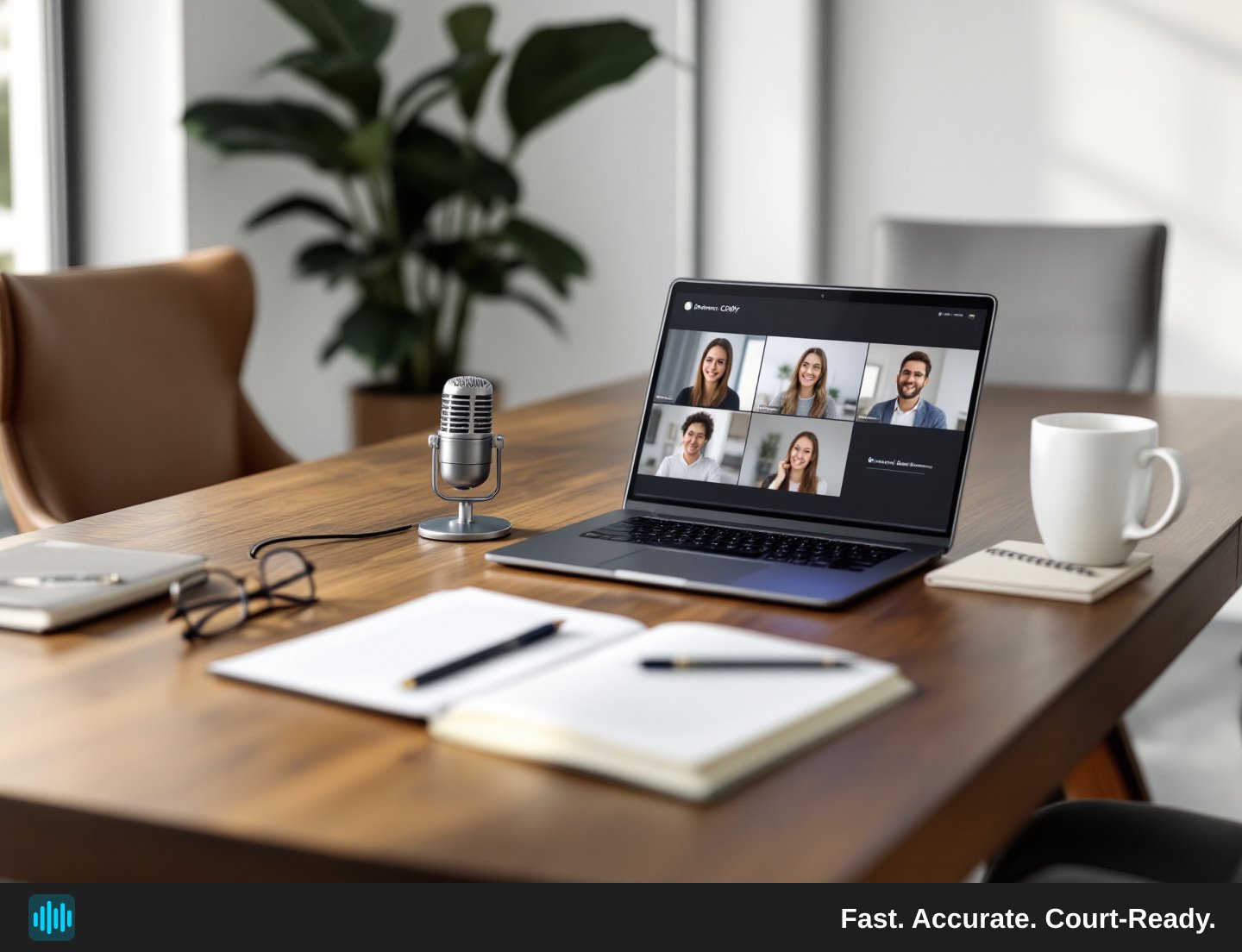
The hybrid deposition — part of the room in-person, part of the room on a video call — has become a fixture of modern litigation practice. A witness dials in from across the country. Opposing counsel joins via Zoom. The court reporter sits at the conference table. Everyone is technically present, yet the audio landscape is a patchwork of microphone channels, platform compression artifacts, and overlapping voices.
For the attorney trying to build a reliable record, that patchwork is a problem. A transcript is only as good as the audio it was made from, and hybrid proceedings create audio challenges that a purely in-person or fully remote deposition rarely does. This guide walks through the specific workflow decisions that determine whether your hybrid deposition transcript is a clean, searchable litigation asset — or a frustrating, error-riddled document you spend hours correcting before you can use it.
Why Hybrid Depositions Create Unique Transcription Challenges
The fundamental issue with hybrid depositions is that you are combining two different acoustic environments into a single proceeding. In-room participants share a physical space with ambient noise, room echo, and a single microphone setup. Remote participants bring their own acoustic environments — home offices, hotel rooms, or open-plan workspaces — filtered through internet connections of varying quality and compressed by whatever video conferencing codec the platform uses.
The result is a multi-source audio file where speaker volume, clarity, and background noise differ dramatically from one participant to the next. When the in-room attorney asks a question and the remote witness answers, the audio quality can shift noticeably mid-exchange. If a third participant — say, remote opposing counsel — interjects, you may have three distinct audio signatures in a single minute of testimony.
These shifts are manageable, but only if the transcription workflow accounts for them from the start. Attorneys and legal teams who treat hybrid depositions the same as traditional in-person depositions often discover the gap only when they receive the first-pass transcript and find speaker labels muddled or key testimony flagged as inaudible.
The Speaker Identification Problem
Speaker diarization — the process of identifying who said what — is one of the most practically important features in any legal transcription tool. In a purely in-person deposition, speakers tend to have consistent audio signatures. In a hybrid setting, a remote participant's voice may sound markedly different depending on whether they are using a headset, laptop microphone, or speakerphone. That inconsistency can confuse automated speaker detection, leading to segments attributed to the wrong participant.
This is not a reason to avoid AI-assisted transcription for hybrid depositions. It is a reason to plan your review workflow around it. Knowing that speaker labels will require human verification — and building time for that verification into your litigation schedule — is far better than discovering the problem the night before a deadline.
Recording Strategy: Capture First, Transcribe Second
The single most consequential decision in a hybrid deposition transcription workflow happens before the deposition begins: how you capture the audio.
Separate Your Audio Channels Where Possible
If the proceeding is being recorded through a platform like Zoom or Teams, check the platform's own documentation to determine whether your account tier and recording settings support separate per-participant audio tracks — this is not guaranteed by default, and it is worth verifying directly with the platform before the deposition begins, not after. Platforms typically export recordings as MP4, MOV, or similar video files; TranscribeLegal accepts MP4, MOV, AVI, MKV, WMV, and WebM video formats, as well as MP3, WAV, M4A, AAC, FLAC, OGG, and WMA audio formats, so the resulting file can be uploaded directly for transcription regardless of which of those formats the platform produces.
For in-room audio, dedicated conference microphones positioned near each in-room participant will produce cleaner results than relying on a laptop's built-in microphone or the court reporter's recording device alone. If the deposition is taking place in a courtroom with an installed audio system, many courtrooms use FTR (For The Record) recording equipment, which captures each microphone channel separately in a .trm file. TranscribeLegal reads FTR .trm multi-channel files natively and transcribes each microphone channel separately — a meaningful advantage in hybrid proceedings where channel separation directly affects transcript clarity.
Test Before You Go Live
Request a brief audio check at the start of every hybrid deposition. Ask each remote participant to state their name and role. This serves two purposes: it confirms that their audio is being captured at an acceptable level, and it gives the transcription system a clean audio sample for each speaker at the beginning of the recording — which makes subsequent speaker identification more reliable throughout the proceeding.
If a remote participant's audio sounds muffled or compressed during the check, address it before testimony begins. Common fixes include switching from a laptop microphone to a dedicated headset, moving closer to the router, or closing bandwidth-heavy applications running in the background.
Choosing the Right Transcription Approach for Hybrid Proceedings
Once the recording is in hand, the question becomes: what transcription service or workflow is right for this type of proceeding? This is where attorneys and legal teams often find themselves weighing options and trying to compare legal transcription service plans against their actual needs.
How Do Traditional Law Transcriptionist Services Compare to AI Transcription Services?
This is a question that comes up constantly in litigation practices that are evaluating their workflows. The honest answer is that the comparison depends heavily on what you need the transcript to do and when you need it.
Traditional human transcription services — whether in-house legal secretaries, freelance transcriptionists, or specialized legal transcription agencies — offer the benefit of human judgment. An experienced human transcriptionist can often parse a difficult audio segment, recognize legal terminology, and make informed decisions about ambiguous speech. The tradeoff is typically time and cost, though turnaround times and pricing vary widely by provider and workload.
AI-assisted transcription services may produce first-pass drafts more quickly and at lower per-minute cost in some workflows, though results will vary depending on audio quality, speaker count, and the complexity of the proceeding. TranscribeLegal, for example, charges $0.25 per minute on a pay-as-you-go basis, with monthly plans starting at $49 and scaling to $249 per month — and court reporters, transcribers, and agencies receive 30% more included minutes on monthly plans. The first 30 minutes are free with no credit card required, which makes it straightforward to test the service on an actual hybrid recording before committing.
The practical reality is that most litigation teams are not choosing between AI and human transcription as an either/or proposition. They are using AI transcription to produce a rapid first-pass draft and then applying targeted human review to the segments that matter most — disputed testimony, key expert statements, or any portion where the audio quality was compromised. This hybrid approach to transcription mirrors the hybrid nature of the depositions themselves: use the tool that is fastest and most cost-effective for the bulk of the work, and apply skilled human attention where precision is most critical.
What to Look for When You Compare Legal Transcription Service Plans
When evaluating transcription service plans for hybrid deposition work specifically, a few features move from nice-to-have to essential:
Speaker diarization with manual renaming. Automated speaker labels are a starting point. The ability to rename those labels — from "Speaker 1" to "Plaintiff's Counsel" or the witness's actual name — is what makes the transcript usable for litigation purposes. TranscribeLegal supports up to 36 speakers and allows renaming throughout the transcript.
Timestamped, clickable navigation. In a lengthy hybrid deposition, the ability to click a timestamp in the transcript and jump directly to that moment in the recording is not a convenience feature — it is a review efficiency tool. When you are verifying a disputed passage or checking a speaker label, navigating by timestamp rather than scrubbing through audio manually can save significant time.
Full-text search. The ability to search across an entire transcript and see highlighted results lets you locate every instance of a key term, name, or phrase without reading the document linearly. For hybrid depositions that run several hours, this is a material time saver.
Export formats that match your workflow. A transcript that exports only as plain text creates downstream formatting work. Look for services that export in formats your team actually uses — Q&A RTF for Word, plain text, SRT/VTT subtitles, and certified PDF are the formats TranscribeLegal supports.
HIPAA compliance. If the deposition involves medical records, healthcare providers, or any protected health information, HIPAA-compliant transcription with encryption in transit and at rest is an important consideration. TranscribeLegal offers transcription built for HIPAA workflows with encryption in transit and at rest, and a BAA is available — consult your own compliance counsel to determine what your specific matter requires.
The Review Workflow: From First-Pass Draft to Court-Ready Transcript
A first-pass AI transcript of a hybrid deposition is a starting point, not a finished product. Building a disciplined review workflow around it is what transforms that draft into a reliable litigation record.
Prioritize the High-Stakes Segments
Not every minute of a deposition carries equal evidentiary weight. Begin your review with the segments where the stakes are highest: the witness's direct testimony on contested facts, any portion where an objection was made, and any passage where the audio quality during the deposition was noticeably poor. Flag these segments during the deposition itself — a simple note in your pad with a rough timestamp — so the reviewer knows where to focus first.
Verify Every Speaker Label
In hybrid proceedings, speaker label verification is non-negotiable. Work through the transcript and confirm that each labeled speaker matches the voice in the recording for that segment. Pay particular attention to transitions between in-room and remote participants, and to any moment where multiple people spoke simultaneously or one interrupted another. These are the segments most likely to carry labeling errors.
Document Your Chain of Custody
For any transcript that may be used in court or submitted as part of the record, maintain a clear chain of custody for the recording and the transcript file. Note when the recording was made, what platform or device captured it, when it was uploaded for transcription, and who reviewed and certified the final document. TranscribeLegal allows the reviewing professional to certify and export a signed certified PDF with a certification statement and chain of custody — the certification itself is performed by the human professional, not the platform.
Managing Client Communication and Cost Transparency
Hybrid depositions often involve more moving parts than in-person proceedings, and transcription is one of the costs that can catch clients off guard if it is not addressed upfront. Transcription is a genuine per-matter litigation expense — similar in nature to court reporter fees or deposition costs — that a firm may pass through to the client at the actual cost the firm pays for the service. Firms should handle any markup decisions, disclosure, and consent in accordance with their own engagement practices, applicable rules of professional conduct, and the advice of their own ethics counsel.
Being transparent about this at the engagement stage — explaining that hybrid depositions may require transcription of both the in-room and remote audio — sets appropriate expectations and avoids disputes over the bill later. It also gives clients a clear picture of why hybrid proceedings, while logistically convenient, carry their own set of costs that traditional in-person depositions may not.
For firms that conduct hybrid depositions regularly, a monthly transcription plan is almost certainly more cost-effective than pay-as-you-go pricing. Running the numbers on your average monthly deposition volume and comparing it against plan tiers is a straightforward exercise — and one worth doing before the next deposition season begins. See TranscribeLegal pricing to find the plan that fits your firm's volume.