Picture this: closing arguments are two days away. Your team has six depositions, each running three to four hours. Somewhere in that mountain of testimony, a witness contradicted themselves about when they first noticed the defect. You know it happened. You remember the moment. But which transcript? Which page? Which exchange?
This is the reality of complex litigation — and it is where the difference between a searchable, timestamped AI transcript and a static PDF or printed page becomes viscerally clear. The ability to find the exact moment that matters, in seconds rather than hours, is no longer a convenience. It is a competitive advantage built into how modern legal teams prepare, argue, and win.
This post explores what AI-searchable transcripts actually do for litigation teams, how that capability stacks up against the limitations of traditional workflows, and what to look for when you compare legal transcription service plans for your firm.
Why Static Transcripts Create a Hidden Time Tax
For decades, the standard deposition transcript arrived as a printed volume or a locked PDF — formatted for the court reporter's certification, not for the attorney's workflow. Reading it linearly was the only option. Ctrl+F in a PDF helps, but it searches one document at a time, returns no audio context, and gives you no way to verify what the speaker's tone or pacing actually was at that moment.
The hidden time tax compounds across a case. A single four-hour deposition might produce 200 or more pages. A complex commercial case might involve a dozen depositions. Paralegals and associates spend hours — sometimes days — combing through transcripts to build chronologies, identify inconsistencies, or pull quotes for motions. That time is real, it is billable, and much of it is avoidable.
When you compare legal transcription service plans, this is the friction that AI-powered full-text search eliminates. Instead of reading through pages, an attorney types a keyword — "first notice," "inspection date," "I don't recall" — and every instance across the entire transcript surfaces instantly, each one linked to the precise timestamp in the audio.
The Compounding Cost of Manual Review
Consider a purely hypothetical scenario for illustration: a mid-size litigation firm handling a multi-party product liability matter with eight depositions. In this hypothetical, associates spend an estimated two to three hours per deposition building a manual index of key testimony. With searchable transcripts, that same review might collapse into minutes per deposition — freeing associate time for analysis rather than excavation. This illustrative example is not drawn from any actual matter; it is offered to show the type of workflow shift searchable transcripts can enable.
How AI Transcription Delivers Searchable, Timestamped Transcripts
AI transcription works by converting audio or video recordings into text using machine learning models trained on speech patterns, vocabulary, and context. The result is a draft transcript where every word is linked to the moment it was spoken — down to the second.
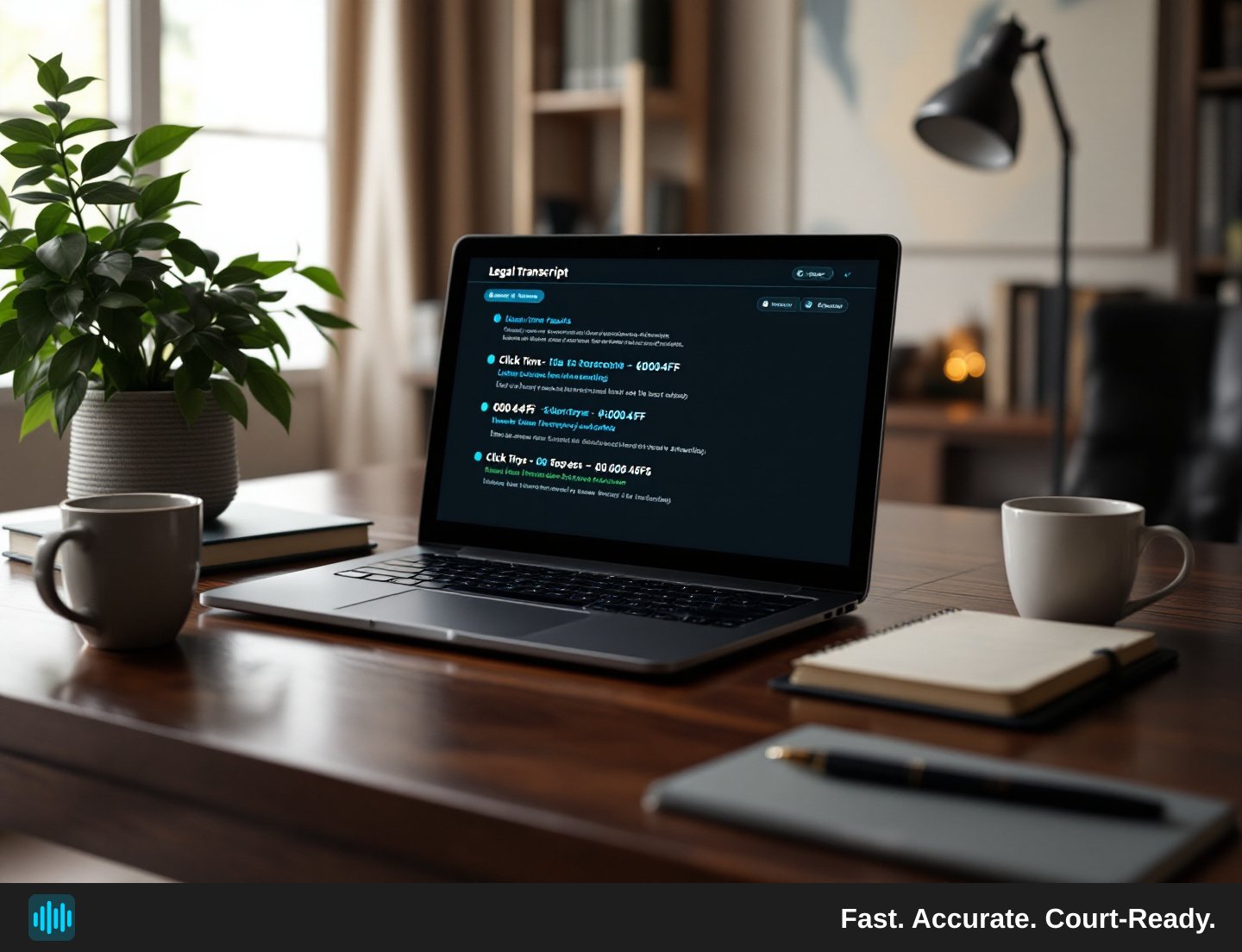
TranscribeLegal, for example, adds clickable timestamps to every statement in the transcript. Click a timestamp, and the audio jumps to that exact moment. This is not an approximation; it is a direct mapping of text to audio that lets attorneys verify not just what was said but how it was said — hesitations, corrections, tone shifts that a transcript alone cannot fully convey.
Speaker diarization — the automatic identification and labeling of individual speakers — means the transcript already distinguishes between the examining attorney, the witness, and the defending counsel before you open it. TranscribeLegal supports automatic speaker identification for up to 36 speakers, which matters in multi-party depositions or panel hearings where voices overlap and roles shift.
Full-text search across the entire transcript is built in. You are not searching one document; you are searching the complete record of a proceeding in a single query.
What AI Transcription Does Not Replace
It is worth being precise here, because clarity matters in legal contexts. AI transcription produces a draft transcript that is accurate and searchable, but it is not a substitute for a stenographic court reporter's certified record for purposes that require one. The certified PDF that TranscribeLegal supports requires a human professional — the attorney, court reporter, or authorized transcriber — to review, edit, and sign the certification. The platform generates the formatted document; the professional provides the certification. Understanding this distinction is essential when you are deciding how AI tools fit into your workflow alongside traditional services.
Full-Text Search Across Transcripts: What It Actually Looks Like in Practice
Searchable transcripts change the texture of deposition review at every stage of litigation.
During discovery: An associate searching for every instance where a corporate representative used the phrase "standard practice" can pull those moments in seconds and build a pattern-of-conduct argument without re-reading the entire deposition.
Before depositions: Counsel preparing to depose a follow-up witness can search prior transcripts for every time the first witness mentioned that witness by name — building a targeted examination outline grounded in the actual record.
At trial: When a witness testifies inconsistently with their deposition, counsel needs the impeachment passage immediately. A searchable, timestamped transcript means the associate at the laptop finds it in seconds, not minutes that feel like hours in front of a jury.
On appeal: Appellate counsel can search AI transcripts of recordings they are permitted to use — such as recorded hearings or proceedings where they hold the audio — for specific objections or exchanges, helping identify issues efficiently. Note that AI transcripts are working drafts and do not constitute or replace the official certified stenographic record of trial proceedings.
When you consider how traditional law transcriptionist services compare to AI transcription services, this search capability is one of the sharpest functional differences. Traditional transcription produces a document. AI transcription produces a document that is also a navigable, queryable database of the proceeding.
Practical Tips for Getting the Most Out of Searchable Transcripts
- Use precise phrases, not just keywords. Searching for "I don't remember" versus "I don't recall" versus "I'm not sure" will surface different passages. Run multiple variants to build a complete picture of a witness's evasiveness.
- Search for dates and numbers. Dollar amounts, dates, and model numbers are often the load-bearing facts in a dispute. Searching for "March 14" or "$2.3 million" instantly maps every mention in the record.
- Combine search with audio playback. When you find a passage, click the timestamp and listen. The audio context — a long pause before answering, a correction mid-sentence — adds dimension that the text alone does not capture.
- Export targeted excerpts. Pull the relevant Q&A sections into a formatted RTF or Word document for your motion or brief, rather than citing page and line from memory.
How AI Transcription Compares to Traditional Transcriptionist Services for Search
When legal teams evaluate how traditional law transcriptionist services compare to AI transcription services, search functionality is rarely the first thing they consider — but it should be near the top.
Traditional human transcriptionists produce accurate, carefully reviewed transcripts. For proceedings where a certified human record is required, that process is irreplaceable. But the output is typically a static document — formatted for compliance, not for search. Adding searchability to a traditional transcript requires a separate indexing step, additional software, or manual work by a paralegal.
AI transcription builds searchability in from the start. The timestamp-linked, speaker-identified, full-text-searchable transcript is the default output, not an add-on. For recordings that do not require a court reporter's certified record — witness interviews, internal investigation recordings, recorded client statements, preliminary hearing audio, or FTR courtroom recordings — AI transcription delivers a searchable, navigable document at a fraction of the time and cost.
TranscribeLegal reads FTR .trm multi-channel courtroom audio files and transcribes each microphone channel separately, which means courtroom recordings where multiple microphones capture different participants are handled cleanly, with each channel's audio attributed to the correct speaker.
Comparing Plans: What to Look for Beyond Price
When you compare legal transcription service plans, price per minute is the obvious starting point — TranscribeLegal charges $0.25 per minute pay-as-you-go, with monthly plans from $49 to $249 per month. But the more important comparison is capability per dollar.
Ask whether a plan includes full-text search, or whether search is gated behind a higher tier. Ask whether timestamps are clickable or decorative. Ask whether speaker diarization is automatic or requires manual setup. Ask whether the export formats — Q&A RTF, plain text, SRT/VTT subtitles, certified PDF — match your workflow. For firms with high volume, ask about API access; TranscribeLegal offers API access on its Advanced plan, which can support custom workflows and automation for teams with technical resources to build them.
For court reporters, transcribers, and agencies evaluating plans, TranscribeLegal provides 30% more minutes on every plan — a meaningful difference when volume is a constant.
Making Searchable Transcripts Part of Your Standard Litigation Workflow
The firms that extract the most value from AI-searchable transcripts are the ones that build them into the workflow from the moment a recording exists — not as a last-minute review tool, but as a living reference that grows more useful as the case develops.
A practical workflow looks like this: the recording is uploaded immediately after the proceeding, the AI transcript is returned quickly, and the transcript is shared with the full litigation team with search access. As new depositions come in, they are added to the same matter. By the time trial preparation begins, the team has a fully searchable, timestamped collection of every deposition, every recorded statement, and every hearing transcript they have generated — and any attorney or paralegal can find any moment in that collection in seconds.
This is not a vision of future technology. It is available now, and the firms using it are spending less time on transcript excavation and more time on the analysis and strategy that actually move cases forward.
Transcription as a per-matter litigation expense may be billed to the client at cost — what the firm actually pays — with appropriate disclosure and client consent, in the same way other litigation disbursements are handled. Billing practices should always reflect your firm's policies and any applicable professional obligations.
If your firm is ready to stop reading transcripts and start searching them, the right plan is closer than you think — See TranscribeLegal pricing.