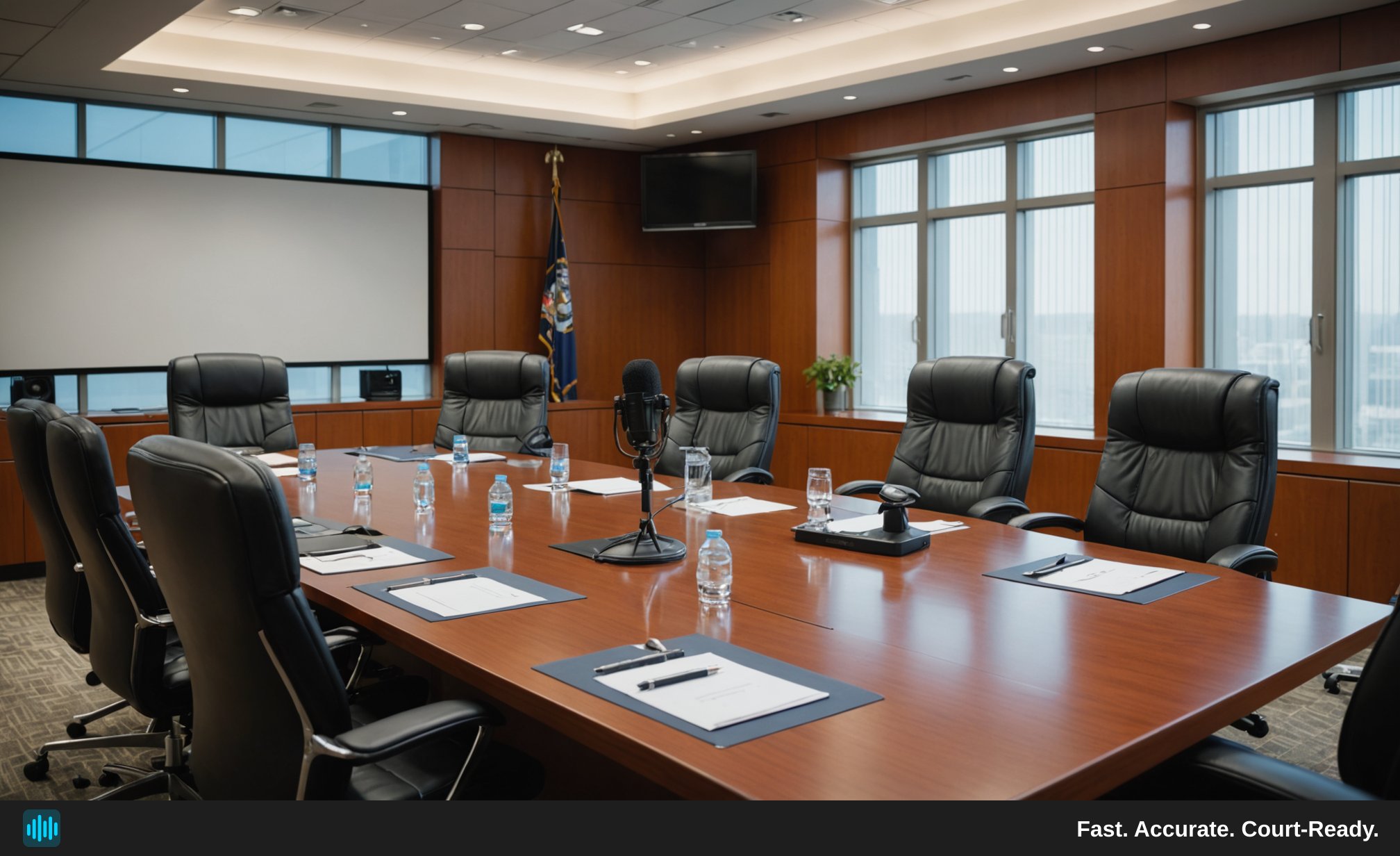
A deposition is only as useful as the record it produces. When attorneys rely on transcripts to build arguments, impeach witnesses, or prepare for trial, every missed word or garbled exchange carries real risk. Yet one of the most preventable sources of transcript errors is something that happens long before any AI or court reporter touches the audio: the recording itself.
This post walks through the practical steps litigation teams can take to capture cleaner deposition audio — and explains how better source recordings translate directly into faster, more accurate transcripts when you use a tool like TranscribeLegal.
Why Audio Quality Is the Foundation of Accurate Transcription
No transcription technology — human or AI — can reliably recover audio that was never cleanly captured in the first place. Muffled voices, overlapping speakers, background HVAC hum, and low-gain microphones all force the transcription engine (or the human reviewer) to guess. Those guesses become errors. Those errors become disputes.
The connection between source audio quality and transcript accuracy is direct and significant. When a deposition recording is crisp, speaker-separated, and free of interference, AI transcription tools like TranscribeLegal can identify and label up to 36 individual speakers, produce timestamped drafts with high fidelity, and export transcripts in PDF or Word format for attorney review and markup — with minimal post-processing needed.
When the audio is poor, even the best transcription tool in the world is working against itself. The good news is that most audio quality problems are entirely preventable with a small amount of preparation.
Microphone Placement: The Single Biggest Variable
Distance and Directionality Matter More Than Equipment Cost
Attorneys often assume that upgrading to an expensive recorder solves audio problems. In practice, microphone placement has a far greater impact on clarity than the price tag of the device. A mid-range USB microphone positioned six to twelve inches from a speaker's mouth will almost always outperform a professional recorder sitting on the far end of a conference table.
For in-person depositions, consider these placement principles:
- Place microphones close to each speaker. If budget allows, use individual lapel (lavalier) microphones for the witness, examining attorney, and defending attorney. This creates clean, separated audio channels that dramatically improve speaker diarization.
- Avoid placing recorders near paper shuffling zones. The area in front of an attorney handling exhibits is a noise minefield. Even subtle paper sounds can mask syllables.
- Keep recorders away from HVAC vents, fans, and windows. Low-frequency rumble from climate control systems is one of the most common sources of transcript degradation in conference room depositions.
- Test placement before the deposition begins. Do a 60-second test recording and play it back through headphones. What sounds fine to the ear in a live room can reveal significant problems on playback.
Remote and Video Depositions Require a Different Approach
Remote depositions conducted over video conferencing platforms introduce a distinct set of audio challenges. Compression artifacts, packet loss, and the way different platforms handle automatic gain control can all degrade audio quality before it ever reaches a recording device.
For remote depositions:
- Ask all participants to use wired headsets or dedicated USB microphones rather than built-in laptop microphones. Built-in microphones pick up keyboard noise, fan noise, and room echo.
- Request that participants mute themselves when not speaking. This reduces background noise bleed and makes speaker transitions cleaner for diarization.
- Record locally on both ends when possible. Cloud recordings of video calls are often compressed more aggressively than local recordings. If a participant records their own audio locally and shares the file, the combined result is often cleaner.
- Use a dedicated recording application rather than relying solely on the video platform's built-in recorder. Tools that record raw audio tracks give transcription services more to work with.
Room Acoustics and Environmental Controls
Treating the Space Before the Session
Conference rooms are notoriously bad recording environments. Hard surfaces — glass walls, polished tables, tile floors — create reflections that turn a single voice into a muddy echo. Before a high-stakes deposition, a few simple interventions can make a measurable difference:
- Use a room with carpet and soft furnishings when possible. Fabric absorbs sound reflections. A conference room with upholstered chairs and carpeting will always record better than a glass-walled boardroom.
- Close doors and windows. Street noise, hallway conversations, and HVAC systems in adjacent rooms all bleed into recordings more than people expect.
- Silence phones and disable notification sounds on all devices in the room. A single notification chime during a critical answer can render a sentence unintelligible.
- Consider portable acoustic panels. For firms that conduct frequent depositions, a set of portable foam acoustic panels can be set up in minutes and dramatically reduce room echo in challenging spaces.
Bodycam and Field Recording Considerations
Not all legal audio originates in a conference room. Law enforcement bodycam footage, field interviews, and recorded statements present unique transcription challenges. A bodycam transcription tool needs to handle wind noise, movement artifacts, simultaneous background voices, and the acoustic distortion that comes from microphones pressed against fabric.
For attorneys working with bodycam footage or field recordings:
- Request the highest-quality export available from the agency or source. Compressed video files often have compressed audio. Lossless or minimally compressed formats give transcription tools more signal to work with.
- Note timestamps of critical exchanges when you review the footage before uploading. This helps you cross-reference the AI transcript against the source material efficiently.
- Expect and plan for lower accuracy on heavily degraded segments. Even the best bodycam transcription tool will struggle with audio recorded in high-wind environments or during physical movement. Flag those segments for manual review rather than assuming the transcript is complete.
TranscribeLegal accepts MP4, MOV, AVI, MKV, and other common video formats, making it straightforward to upload bodycam footage directly and receive a timestamped, speaker-labeled draft that attorneys can search and review.
File Formats, Bit Rates, and Upload Best Practices
Not All Audio Files Are Created Equal
Once a deposition is recorded, the way the file is saved and transferred can introduce additional quality loss. Understanding basic audio file considerations helps litigation teams preserve the quality they worked to capture.
- Use lossless or high-bit-rate formats when possible. WAV and FLAC files preserve audio data without compression. If your recording device saves in MP3, use a bit rate of at least 128 kbps; 192 kbps or higher is preferable for multi-speaker legal recordings.
- Avoid converting files multiple times. Each conversion between lossy formats (MP3 to AAC to MP3, for example) compounds quality loss. Convert once, from the original source, to your preferred format.
- Keep file sizes manageable. TranscribeLegal accepts files up to 2 GB and up to 4 hours in length, which covers the vast majority of deposition recordings. For longer proceedings, consider splitting the recording at natural breaks (lunch recess, witness changes) rather than compressing the file.
Organizing Files for Efficient Transcription Workflows
A clean file-naming convention saves significant time when managing multiple depositions across a case. Consider naming files with the matter number, deponent name, and date of the proceeding. When you upload to TranscribeLegal, clear file names make it easier to organize transcripts, run full-text searches, and export the right document when you need it.
TranscribeLegal's full-text search lets you click directly to the timestamp in the audio where a specific word or phrase was spoken — a feature that is far more powerful when the underlying transcript is accurate, which circles back to why source audio quality matters so much.
Illustrative Scenario: How Preparation Changes the Outcome
The following is a hypothetical, illustrative scenario and does not represent any specific client or guaranteed outcome.
Consider a hypothetical litigation team preparing for a multi-party deposition involving five speakers in a glass-walled conference room. Without audio preparation, the team records the session on a single device placed in the center of the table. The resulting transcript requires significant manual correction because the AI transcription tool struggles to differentiate speakers who were seated far from the microphone, and HVAC noise masks several exchanges.
Now consider the same team on a subsequent deposition, this time using individual lapel microphones for each speaker, a carpeted breakout room, and a lossless WAV recording. The same AI transcription tool — same upload process, same per-minute rate — produces a noticeably cleaner draft that requires less manual review before the attorney can mark it up in Word format. Results will vary depending on recording conditions and content complexity.
The difference is not the tool. The difference is the audio.
Building Audio Quality Into Your Deposition Protocol
The most effective way to improve transcription accuracy across a practice is to treat audio quality as a procedural step, not an afterthought. A short pre-deposition checklist — microphone placement, room acoustics, device test recording, file format confirmation — takes less than ten minutes and pays dividends in every transcript that follows.
For firms weighing the cost of AI transcription against traditional court reporter rates, it is worth noting that transcription fees may, depending on your jurisdiction, engagement terms, and client consent, qualify as a per-matter litigation expense that a firm passes through to the client at cost with appropriate disclosure. Consult your bar's guidance on expense billing before adopting any billing practice. The cleaner the audio, the less time attorneys and legal secretaries spend on post-transcription cleanup — which is where the real efficiency gain lives.
TranscribeLegal offers a first 30 minutes free with no credit card required, so teams can test their recording setup and see exactly how source audio quality affects transcript output before committing to a plan. Whether you are transcribing conference room depositions, remote hearings, or bodycam footage, the investment in better audio pays for itself in cleaner drafts and faster review — See TranscribeLegal pricing to find the plan that fits your caseload.