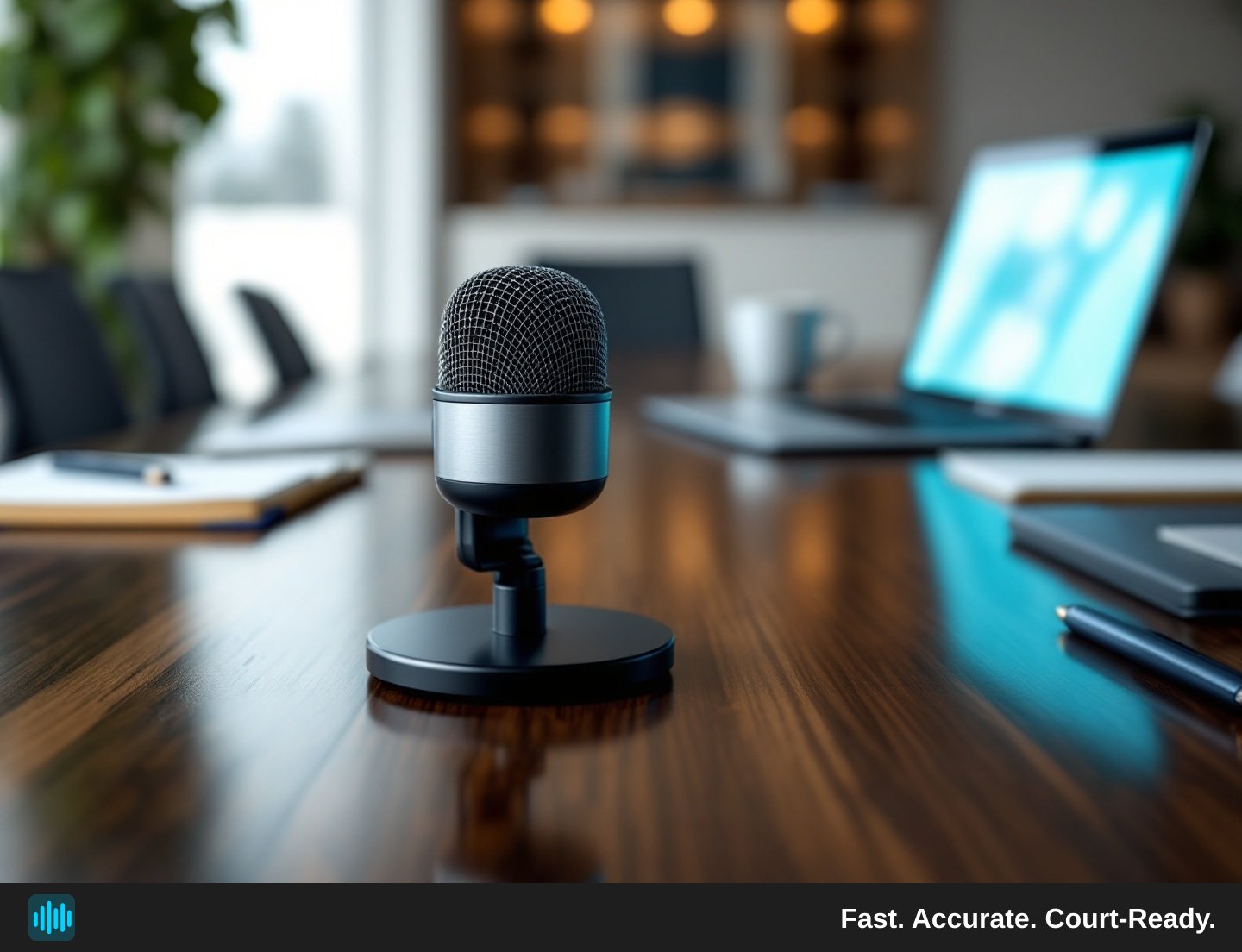
Every litigator knows the frustration: you receive a transcript back and it's riddled with gaps, misattributed speakers, and garbled testimony — not because the transcription service failed, but because the original recording was working against accuracy from the start. Whether you're capturing a formal deposition, an informal witness interview, a recorded phone call, or even bodycam footage pulled into evidence, the quality of your source audio determines the ceiling of what any transcription tool can produce.
AI-powered transcription has made significant strides in accuracy, speed, and cost efficiency. Services like TranscribeLegal now support speaker diarization across dozens of voices, handle 90-plus languages, and produce draft transcripts in a fraction of the time a manual typist would require. But even the most sophisticated AI cannot conjure clarity from a muddy, echo-laden, or wind-distorted recording. The good news is that most audio quality problems are preventable — and fixing them upstream saves time, money, and professional headaches downstream.
This guide walks through the practical steps litigation teams, court reporters, and legal professionals can take to capture cleaner audio and dramatically improve the accuracy of their transcripts.
Why Audio Quality Matters More Than You Think
When attorneys discuss legal transcription rates, the conversation often focuses on per-minute pricing and turnaround time. Rarely does it address the downstream cost of poor audio: the hours spent reviewing a draft transcript full of unintelligible passages, or — worst of all — a transcript that misrepresents testimony because a critical word was swallowed by background noise. Because TranscribeLegal provides AI-generated first-pass drafts without human review services, the quality of your source recording directly determines how much human review effort you'll need to invest on your end.
When two speakers overlap, when a room echoes, or when someone's microphone is positioned poorly, the model is forced to guess. Those guesses accumulate into errors that a human reviewer must then catch and correct.
For deposition transcripts specifically, accuracy is not a preference — it is a professional and evidentiary concern. A single misheard word can change the meaning of testimony. That stakes-level context makes audio quality a genuine litigation strategy concern, not just a technical afterthought.
Choosing the Right Recording Equipment
Microphones Make the Biggest Difference
The single highest-impact upgrade any legal team can make is investing in dedicated recording microphones rather than relying on a laptop's built-in mic or a smartphone placed on a conference table. Built-in device microphones are omnidirectional and designed to pick up ambient sound — which is the opposite of what you want in a multi-speaker deposition setting.
For conference room depositions, consider a boundary microphone (also called a surface or pressure zone microphone). These flat devices sit on the table and capture sound from all directions at the table level while naturally rejecting overhead noise like HVAC systems or ceiling fans. For remote depositions conducted over video conferencing platforms, each participant should ideally use a USB condenser microphone or a headset with a close-talk microphone positioned near the mouth.
If budget is a constraint, even a mid-range USB conference microphone represents a substantial improvement over a laptop's built-in hardware. The investment in equipment is typically far smaller than the cost of reviewing and correcting a poor-quality transcript.
Recording Device Placement
Placement matters as much as the microphone itself. A high-quality mic placed at the far end of a long conference table from the witness will still produce a suboptimal recording. As a general rule:
- Center the microphone on the table between all participants.
- Keep the mic away from air vents, fans, and projectors — these produce consistent low-frequency noise that smears speech.
- Avoid placing the mic near papers or notepads that participants might shuffle during the session.
- Test placement before the session begins by recording 30 seconds of normal conversation and playing it back.
Controlling the Recording Environment
Acoustic Treatment and Room Selection
Hard surfaces — glass, tile, concrete, bare drywall — reflect sound and create reverberation. In a highly reverberant room, each spoken word arrives at the microphone multiple times: once directly and once or more as a reflection off walls, windows, or a whiteboard. AI transcription engines struggle with reverberant audio because the reflected copies of a word overlap with the next word being spoken, blurring acoustic boundaries.
When you have a choice, select conference rooms with:
- Carpeted floors rather than hardwood or tile
- Upholstered furniture (chairs, sofas) that absorbs sound
- Window treatments such as heavy curtains or blinds
- Acoustic ceiling tiles rather than exposed concrete
If your firm regularly conducts depositions in a dedicated room, even modest acoustic panels on the walls can meaningfully reduce echo and improve transcription accuracy.
Managing Background Noise
Background noise is the other major environmental enemy of transcription accuracy. Unlike reverberation, which is a property of the room itself, background noise sources are often controllable:
- Close doors and windows before beginning the session.
- Silence HVAC systems if possible, or at minimum ensure the thermostat won't trigger a loud fan cycle mid-deposition.
- Post a sign outside the room indicating a recording is in progress to prevent interruptions.
- Mute phones and devices — even a phone vibrating on a table can corrupt several seconds of audio.
- Ask participants to avoid side conversations, paper shuffling, or typing during testimony.
For remote depositions, instruct all participants to use the mute function when they are not speaking, and encourage the use of noise-canceling headsets. Many video conferencing platforms also include built-in noise suppression features — enabling these on the host side can further reduce ambient sound captured in the recording.
Special Considerations for Bodycam and Field Recordings
The Unique Challenges of Bodycam Audio
As bodycam footage becomes increasingly common in civil litigation — particularly in cases involving law enforcement conduct, premises liability, and personal injury — attorneys and paralegals are frequently tasked with transcribing recordings that were never designed with transcription accuracy in mind. Working with bodycam footage means contending with audio challenges that simply don't exist in a controlled deposition setting: wind noise, clothing friction, simultaneous multiple speakers at varying distances, and the unpredictable acoustics of outdoor environments.
When working with bodycam footage, there are several steps that can improve the transcript you receive:
- Use the highest-quality export format available. If you have access to the original footage management system, export the video in an uncompressed or lossless format rather than a heavily compressed web version. Compression artifacts degrade audio quality in ways that are difficult to recover.
- Segment the footage before uploading if needed. TranscribeLegal accepts files up to 2 GB and 4 hours in length. If your recording exceeds those limits, or if you want to focus your review on a specific portion, uploading a trimmed segment is a practical way to work within those constraints.
- Note timestamps of key passages when submitting for transcription. While TranscribeLegal automatically adds clickable timestamps to every statement in the transcript, flagging critical moments in your notes helps you prioritize review of those sections.
- Plan for more human review than you would with studio-quality deposition recordings. Field recordings in challenging environments carry more acoustic uncertainty than controlled settings, and the AI-generated draft should be reviewed accordingly.
Enhancing Audio Before Upload
For particularly difficult recordings — heavy wind noise, extreme reverberation, very low volume — consider running the audio through a basic audio editing application before uploading. Free and low-cost tools like Audacity allow users to apply noise reduction filters, normalize volume levels, and remove specific frequency bands associated with HVAC hum or wind. Even a modest improvement in source audio quality can yield a noticeably better transcript.
This step is particularly valuable for older recordings — archived phone calls, historical deposition recordings being digitized, or footage from older bodycam models with inferior microphones.
Remote Deposition Best Practices
Remote depositions have become a standard part of litigation practice, and they introduce a distinct set of audio challenges. Unlike in-person proceedings, you have limited control over each participant's recording environment. A witness joining from a home office, a coffee shop, or a hotel room introduces unpredictable background noise, variable internet connections, and inconsistent microphone quality into the same recording.
Pre-Deposition Technical Checks
Scheduling a brief technical check — even five minutes — before the formal session begins pays dividends in transcript quality. During this check:
- Confirm each participant's audio is audible and clear on the recording platform.
- Ask participants to move to quieter locations if background noise is audible.
- Verify that the recording platform is capturing all participants rather than only the active speaker.
- Record a short test segment and play it back to confirm audio quality before testimony begins.
Platform Selection and Recording Settings
Not all video conferencing platforms produce the same audio quality in their recordings. When selecting a platform for remote depositions, look for one that:
- Supports high-quality audio encoding rather than compressing audio aggressively to save bandwidth
- Allows the host to download the raw recording file in a standard format compatible with your transcription service
- Produces a clean mixed-down recording that captures all participants clearly
TranscribeLegal accepts a wide range of audio formats (including MP3, WAV, M4A, AAC, FLAC, OGG, and WMA) and video formats (including MP4, MOV, AVI, MKV, WMV, and WebM), so you have flexibility in how you export from your conferencing platform.
Reviewing and Correcting AI-Generated Transcripts
Even with optimal audio quality, AI-generated transcripts are first-pass drafts, and we strongly recommend human review before use in legal proceedings. Certification and final accuracy remain the responsibility of the legal professional or court reporter reviewing the document. Building a structured review process into your workflow ensures that the speed advantage of AI transcription translates into genuine time savings rather than just shifting effort from typing to proofreading.
A Practical Review Workflow
- Use the transcript's timestamps to jump directly to sections of the audio that contain unclear passages — rather than listening to the entire recording, you can navigate precisely to the moments that need attention.
- Review speaker labels to ensure the diarization is correctly attributed. TranscribeLegal allows you to rename speakers within the platform, making it easy to replace generic labels like "Speaker 1" with the actual deponent's name.
- Pay particular attention to proper nouns: names, places, case-specific terminology, and technical vocabulary are the areas where AI transcription is most likely to substitute a phonetically similar but incorrect word.
- Cross-reference with your notes from the session. If you know a witness mentioned a specific product name or location, verify that the transcript captured it correctly.
When audio quality is strong and the recording environment was well-controlled, this review process is typically fast. When audio quality was poor, the review burden grows proportionally — which is the clearest argument for investing in audio quality on the front end.
Conclusion
Improving deposition transcription accuracy is not primarily a technology problem — it's an audio quality problem that technology then has to solve. Hypothetically speaking, legal teams and court reporters who treat recording quality as a professional discipline — choosing the right equipment, controlling their environments, preparing remote participants, and building structured review processes into their workflows — are better positioned to get more usable first-pass drafts from AI transcription tools. When those elements are in place, AI transcription can deliver fast draft transcripts that help move litigation work forward. If you're ready to put better audio to work, See TranscribeLegal pricing to find the plan that fits your firm's volume and workflow.